Utility Functions
This section covers the definition of Utility Functions for EazyTouch. These are functions that generally provide information about the system functionality and require no setup. All you are required to do is enable or disable the function and define the description you would like the operator to see.
This is done on the Utilities definition form as shown below.
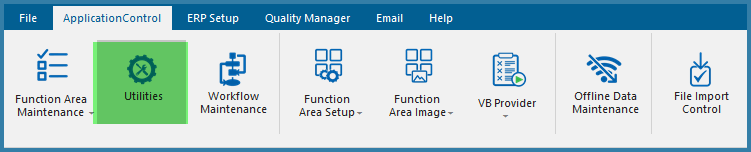
Accessing the Utilities Function Definition
Use the form below to select which Utility Functions you want to enable. It is strongly recommended to enable all of these functions unless the feature is not used in TransLution.
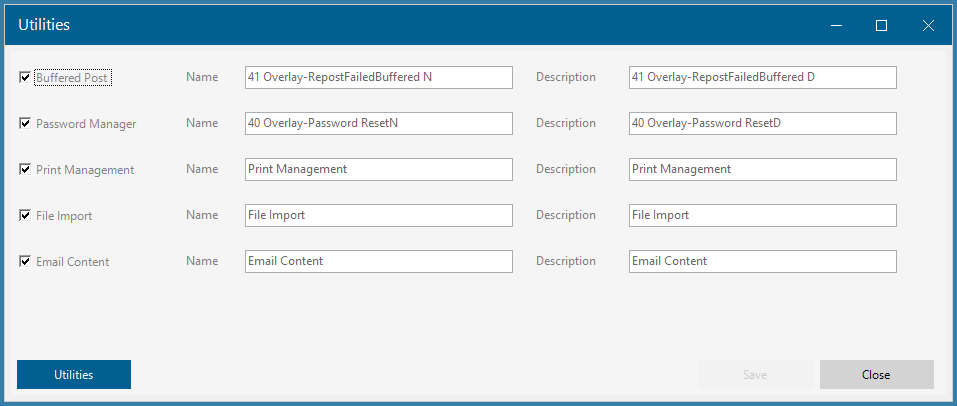
Utility Functions
If you are upgrading from an older version of TransLution (before V7.3), the utilities functions were managed a little differently. It was previosuly possilbe to define more than one of each type of Utility function. This is unlikley to have been done but if it has happened. the Utilities button exists to deal with that situation. It should not be required but can be used to select the name of another function as the default utility function name.